
Download SSuite Axcel Professional Spreadsheet – spreadsheet, data analysis, productivity tool, business, finance, office, calculator, financial modeling, budgeting, report creation
Overview
SSuite Axcel Professional Spreadsheet is a robust desktop productivity tool designed for users who require a powerful yet reliable solution for managing numerical and textual data. Built for professionals, small business owners, and individuals handling complex financial tasks, the application offers a streamlined environment for data organization, analysis, and reporting. Its primary purpose is to serve as a full-featured alternative to mainstream spreadsheet software, enabling users to create budgets, model financial scenarios, generate reports, and perform calculations with precision. The app is especially beneficial for those who need to work across multiple documents without performance degradation.
Target users include accountants, project managers, educators, and entrepreneurs who rely on accurate data handling and efficient workflow management. While the developer, SSuite, is known for creating lightweight yet capable office tools, no additional background details were provided beyond the name. The application supports seamless transitions from other spreadsheet formats, making it an ideal choice for users seeking compatibility without compromise. Real-world use cases range from personal budgeting and inventory tracking to business forecasting and academic data compilation. In the broader productivity software ecosystem, SSuite Axcel Professional fills a niche for users who value speed, stability, and cross-format accessibility without the overhead of larger applications.
Key Features & Functionality
- Optimized Processing Speed: The application is engineered to handle multiple large datasets simultaneously without lag, ensuring smooth multitasking even during intensive operations. This is particularly useful for users managing complex financial models or large-scale data entries.
- Broad Compatibility: SSuite Axcel Professional supports the opening and editing of documents from other spreadsheet platforms, minimizing format conversion issues and preserving data integrity across different systems.
- Comprehensive User Guide: A detailed onboarding resource is included to assist both new and experienced users in mastering the application’s tools and functions, reducing the learning curve and increasing efficiency.
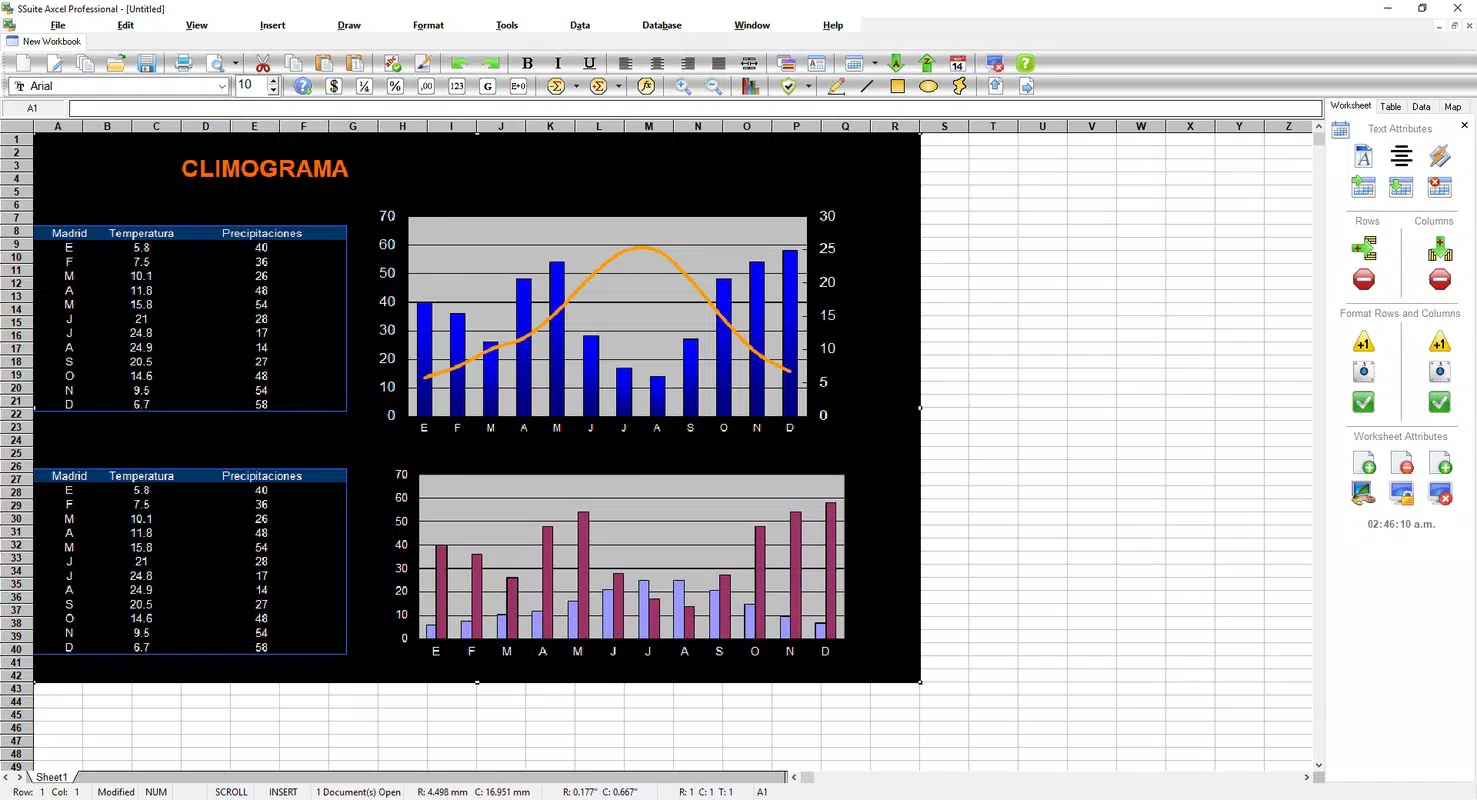
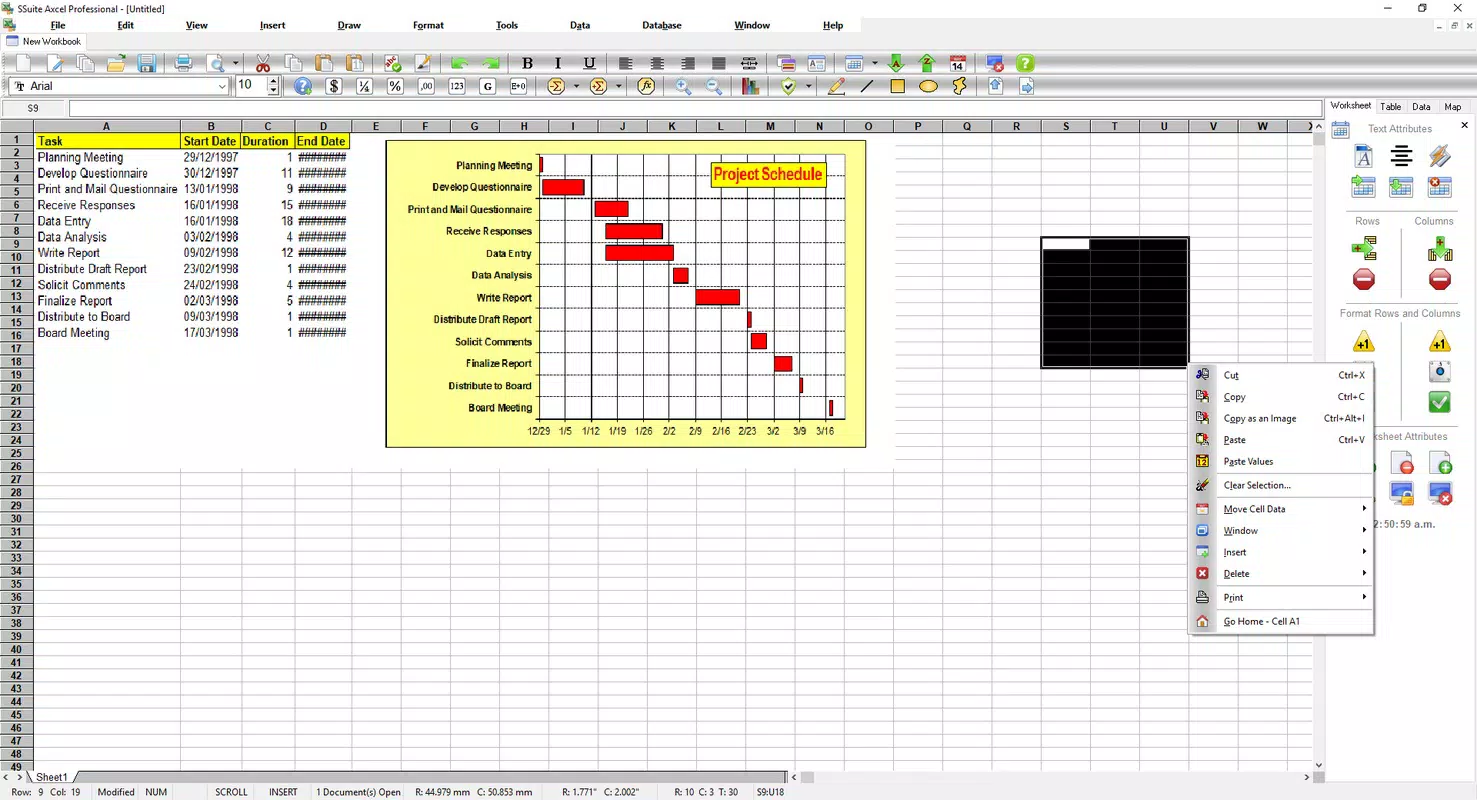
- Advanced Graphical Capabilities: Users can generate diagrams and custom visualizations directly within the app, enabling intuitive data representation for reports and presentations.
- Reliable Data Security: The software is designed to prevent crashes and data loss during demanding tasks, offering peace of mind when working with critical financial or business information.
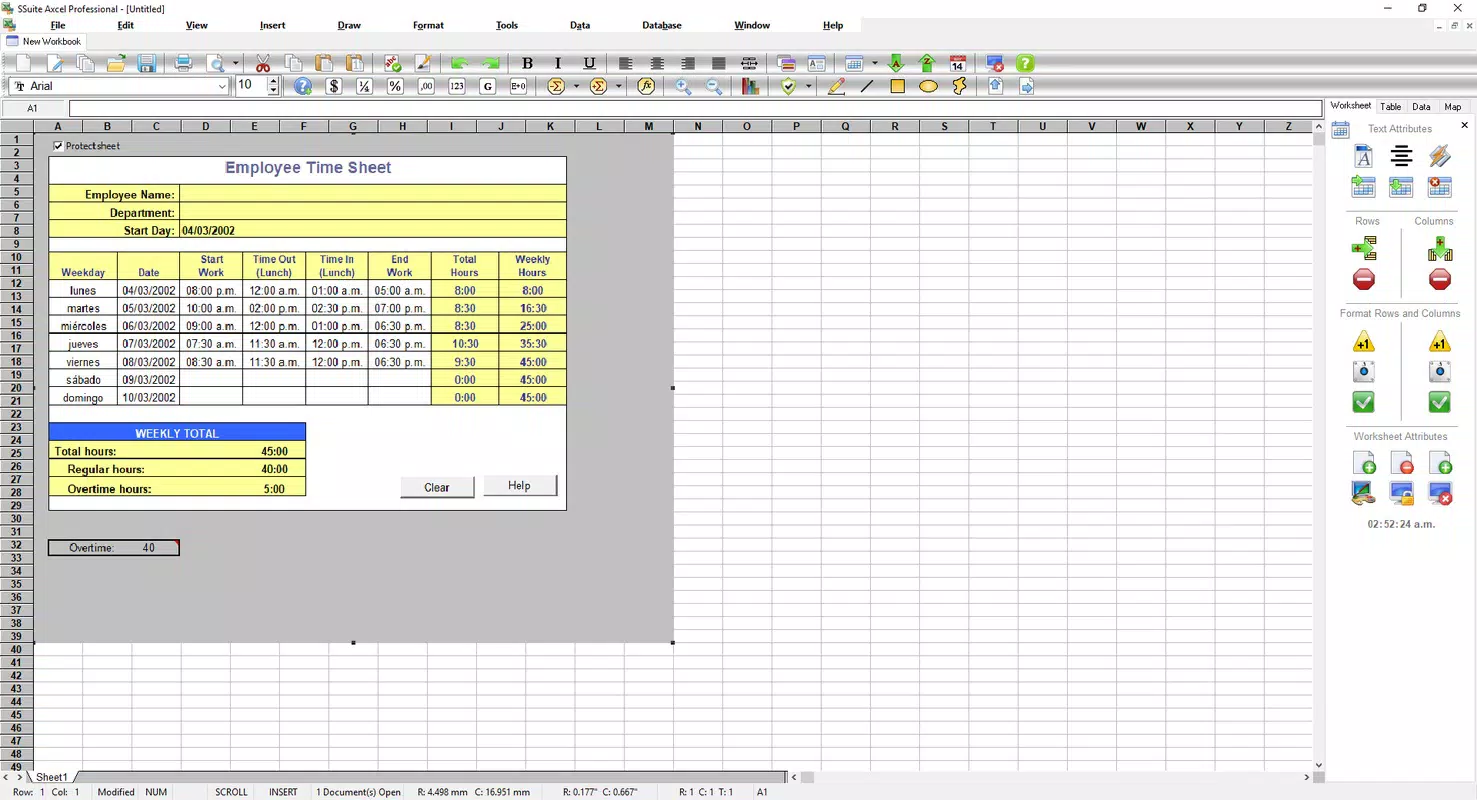
For example, a small business owner can use the app to create a monthly budget, visualize sales trends through built-in charts, and export the report—all within a single, stable environment. Similarly, a student working on a research project can input survey data, apply formulas, and generate visual summaries without encountering performance bottlenecks.
Interface, UX & Performance
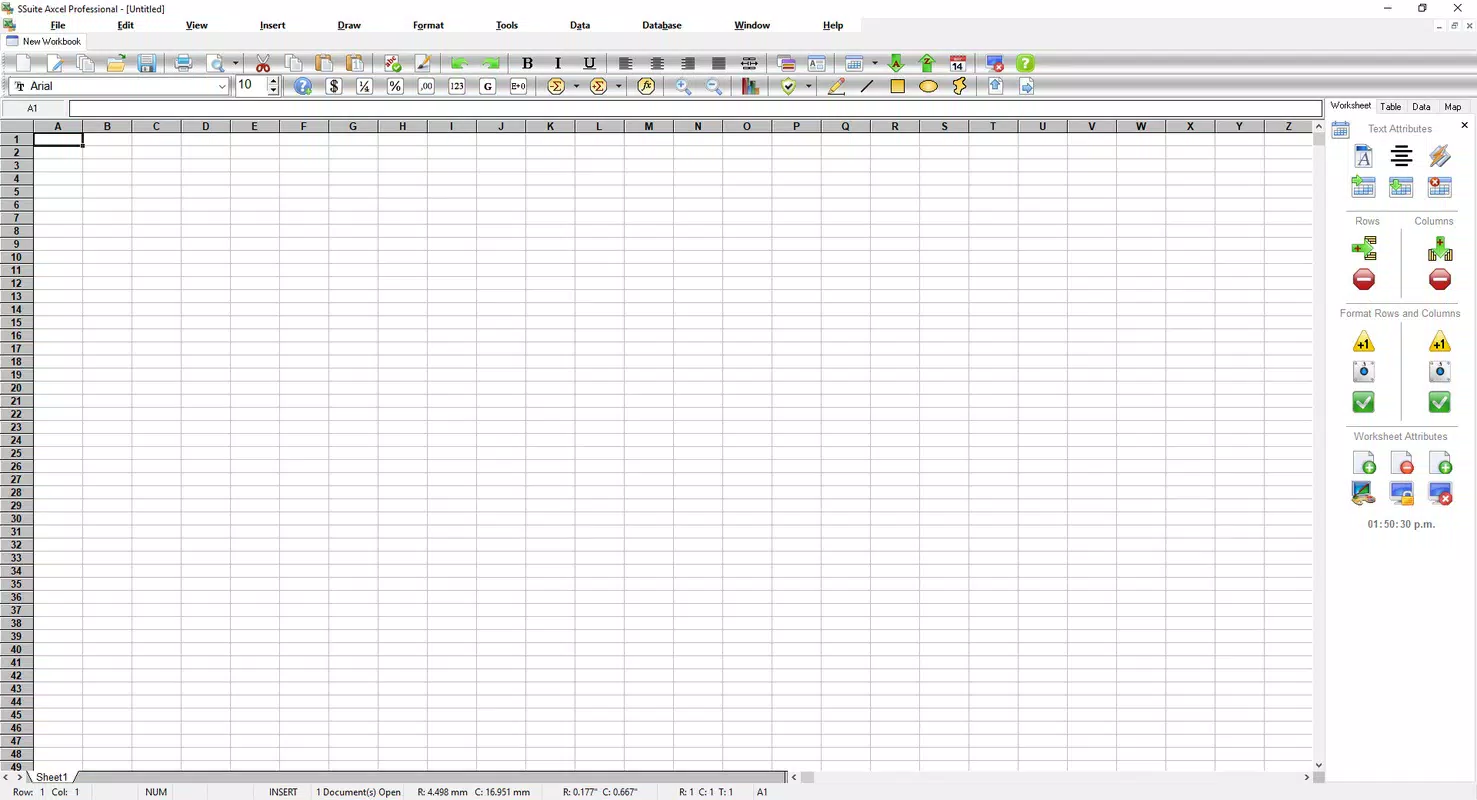
The user interface of SSuite Axcel Professional Spreadsheet is designed with functionality and clarity in mind. It features a clean layout with accessible toolbars, clearly labeled menus, and a logical navigation structure that supports efficient workflow. The visual style prioritizes usability over ornamentation, allowing users to focus on data entry and analysis without distraction. Menus and buttons are arranged in a way that aligns with common spreadsheet conventions, making the app intuitive for users familiar with similar tools.
Navigation is straightforward, with tab-based document management and quick access to frequently used functions. Although the developer did not list formal performance metrics, the application is described as stable and responsive during multitasking. It maintains consistent performance across different device configurations, suggesting optimization for a range of Windows systems.
The app handles large datasets efficiently, and users can switch between multiple sheets and files with minimal delay. Stability is reinforced through built-in safeguards against crashes, which is essential for maintaining data integrity during long sessions. Overall, the user experience is smooth and focused on productivity, with minimal friction in daily use.
Platform Compatibility & Technical Requirements
SSuite Axcel Professional Spreadsheet is designed exclusively for the Windows platform. The current version, 1.0.0, has a file size of 14.5 MB, making it a lightweight application suitable for systems with limited storage. While the developer did not specify minimum OS requirements, the app is compatible with modern Windows environments. Users should ensure their system meets standard Windows compatibility standards for running desktop applications. The application does not require high-end hardware, which supports its accessibility across a wide range of devices, including older or budget-friendly machines.
Specific installation requirements were not listed. However, the compact size and stable performance suggest it is optimized for efficient resource usage. The app is distributed as a standalone installer, and no additional dependencies are mentioned. For users seeking a no-frills, high-performance spreadsheet tool on Windows, the file size and platform compatibility represent a practical advantage.
Pros and Cons
Pros
- Lightweight design with a small file size of 14.5 MB
- Optimized performance for handling multiple large documents
- Supports opening and editing files from other spreadsheet applications
- Includes a comprehensive user guide for onboarding
- Offers advanced graphical tools for data visualization
- Designed with data security and stability in mind
Cons
- Not available on mobile platforms such as Android or iOS
- Developer did not disclose minimum OS or hardware requirements
- Limited information on update frequency or support channels
- Price point of $24.95 may be higher than free alternatives
- No mention of cloud integration or real-time collaboration features
FAQ
Is SSuite Axcel Professional Spreadsheet compatible with Excel files?
Yes, the application supports opening and editing documents created in other spreadsheet software, including Excel, ensuring compatibility and reducing format conversion risks.
Can I use this app on my Android or iOS device?
No, SSuite Axcel Professional Spreadsheet is currently available only for Windows. There is no official version for Android or iOS devices.
Is the app secure for handling sensitive financial data?
Yes, the software is designed with reliability and data security in mind, minimizing the risk of crashes or data loss during intensive tasks.
How often are updates released for this application?
The developer did not provide information on update frequency. Users should check the official website for the latest version and release notes.
Does the app support cloud storage or collaboration?
There is no information available regarding cloud integration or real-time collaboration features. The app appears to be a standalone desktop tool.
Final Thoughts
SSuite Axcel Professional Spreadsheet delivers a focused, high-performance solution for users who need a reliable desktop tool for data analysis and financial modeling. Its lightweight footprint, strong compatibility, and stability make it a compelling alternative to larger spreadsheet suites. While it lacks mobile access and cloud features, its core functionality is well-executed and tailored to users who prioritize speed and data integrity over extensive connectivity options.
The inclusion of a detailed user guide enhances accessibility, making it suitable for both beginners and professionals. For individuals and small teams working primarily on Windows systems, this app offers a valuable productivity boost. If you're seeking a secure, efficient, and affordable spreadsheet tool for business, finance, or office tasks, SSuite Axcel Professional is a strong candidate.
Download SSuite Axcel Professional Spreadsheet now


